For me, the most important things in life are human connection and the relationships I build with the people around me. Physical presence, shared space, and face-to-face conversation are irreplaceable — and I wanted to make sure technology didn't erase those moments.
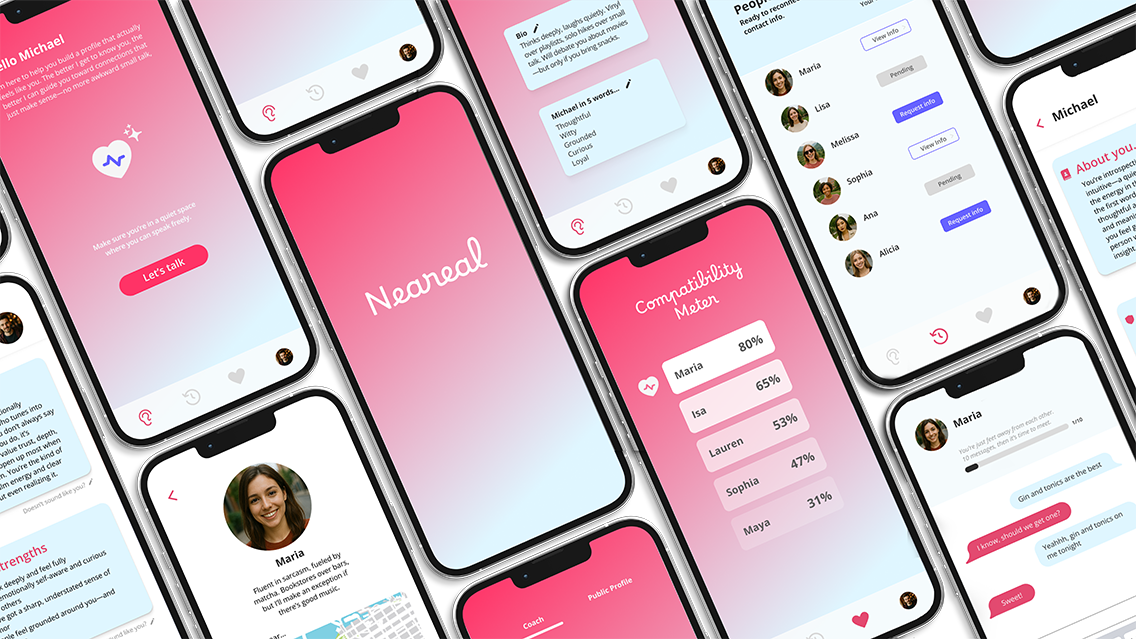
Neareal bridges the gap between how people used to meet — organically, in real life — and how we navigate connection today. It uses technology not as a replacement for human interaction, but as a gateway to it, helping a new generation feel more confident approaching others in person.
"The strongest connections don't live on screens — they're built through real, human closeness."
If we're already out living our lives — sitting in a café, browsing in a bookstore, waiting at a bar — and our potential connection is right across from us, why should we miss that chance? Neareal lowers the social friction of initiating real-life interactions and helps users feel confident enough to move from screen to reality.
"Use technology as a bridge — not a barrier — to real human connection."
I ran interviews and surveys to understand why people feel hesitant about approaching others in real life. Mapping the findings in FigJam helped me spot patterns in needs, pains, and desires, and guided me toward the core problem worth solving.
"I don't mind dating apps, but I'd rather meet someone in person. The problem is, it's hard to tell when someone's actually open to conversation or just minding their own business."
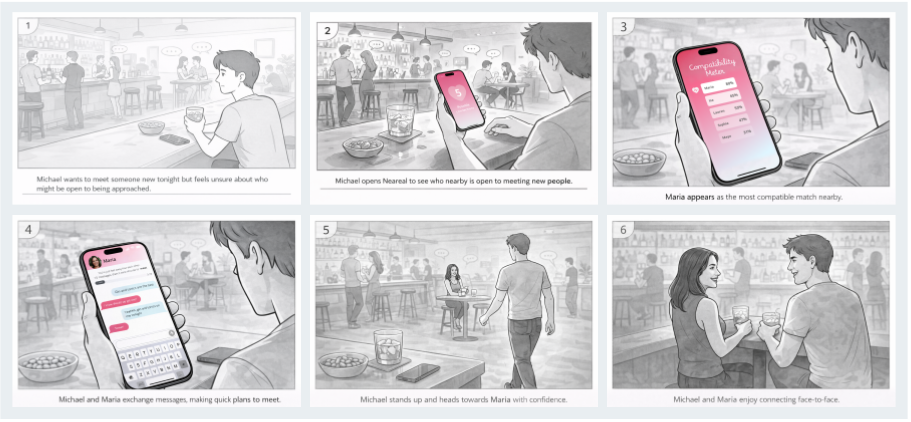
I started with loose storyboards and quick hand-sketched wireframes — not to make them look perfect, but to test flows and iterate fast before committing to the final interface. Creating storyboards helped me step into Michael's shoes and imagine how he would ideally use Neareal day-to-day.
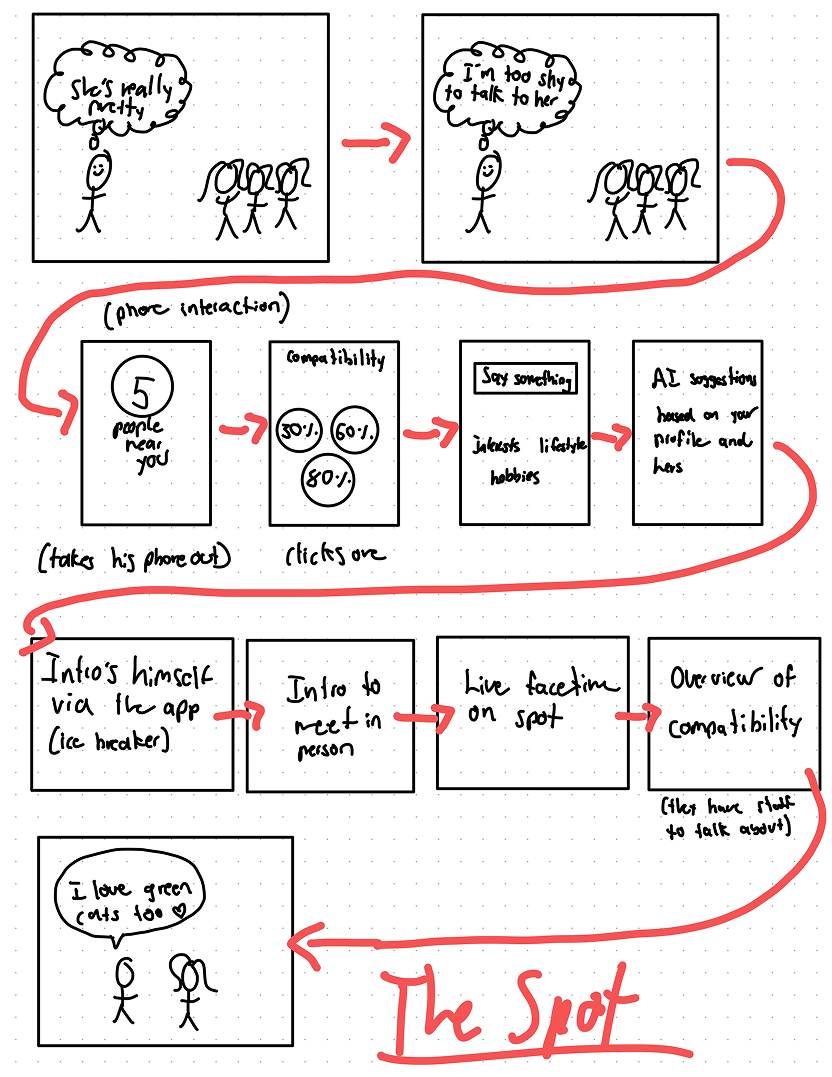
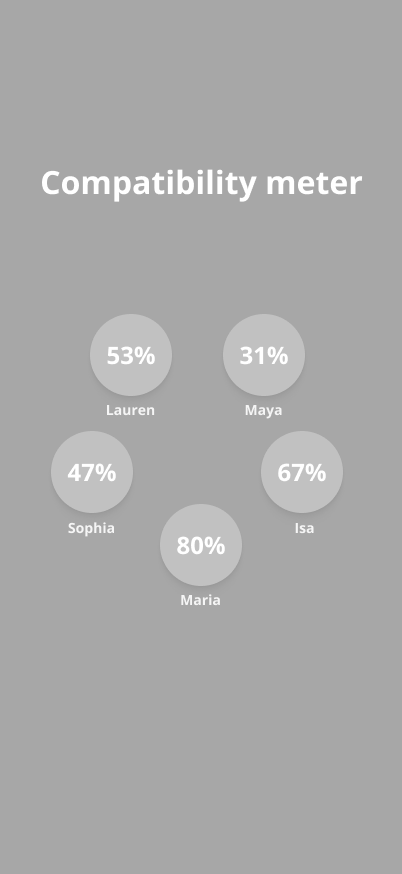
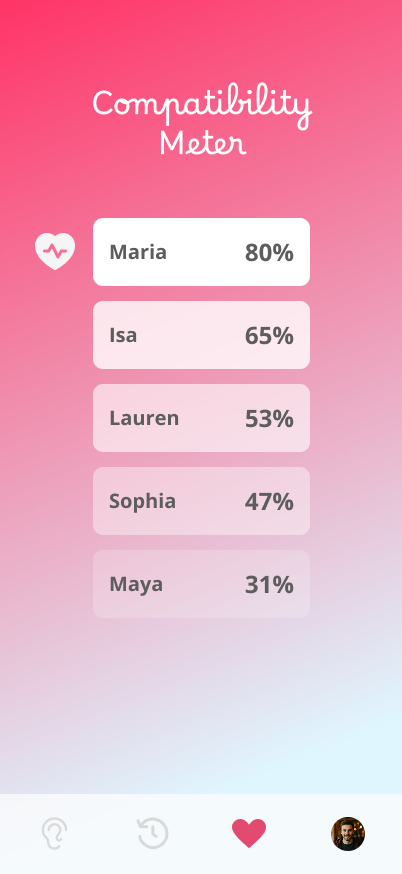
I defined three core task flows before moving to high-fidelity:
I tested low-fidelity prototypes with users to quickly spot friction points and gather first impressions. Two significant issues surfaced — one visual, one tonal — and both required a full rethink.
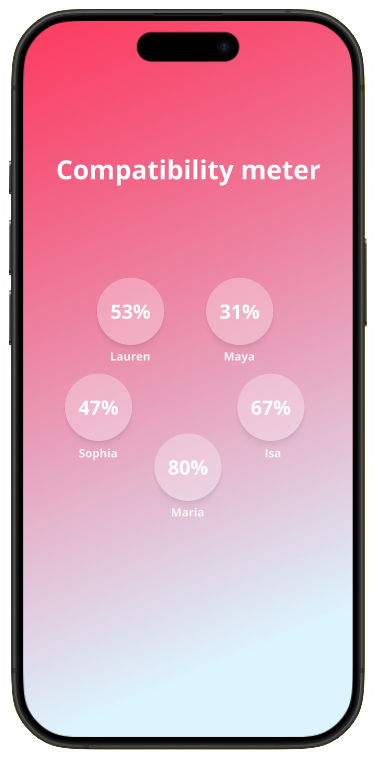
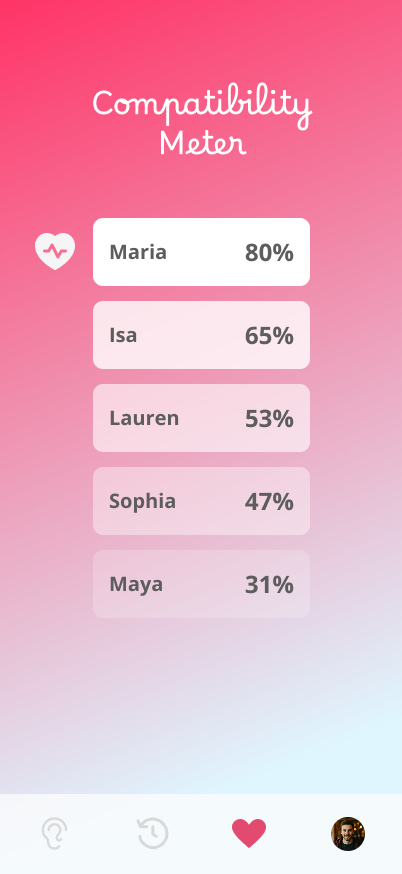
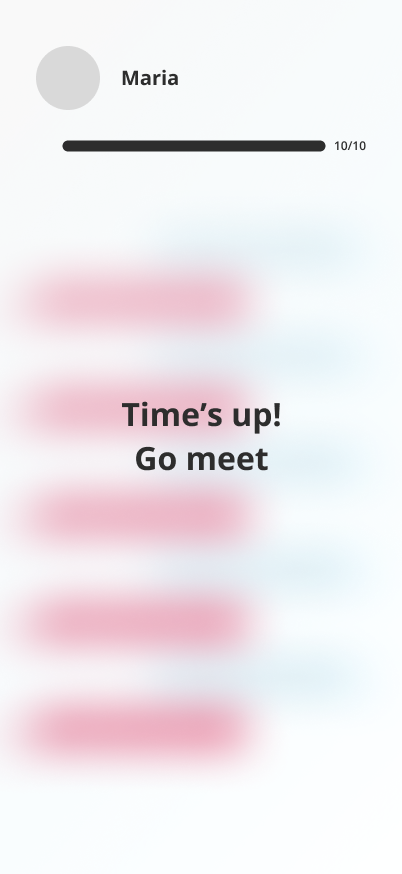
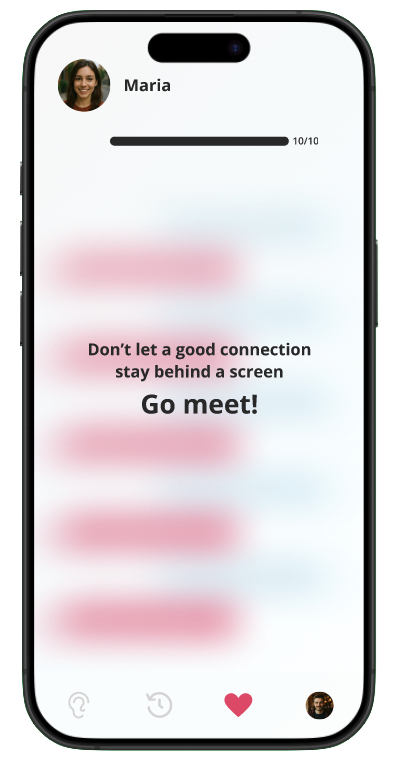
Two deliverables: an interactive Figma prototype walking through all three task flows, and a promotional video built in Adobe After Effects to show the app's spirit in motion.